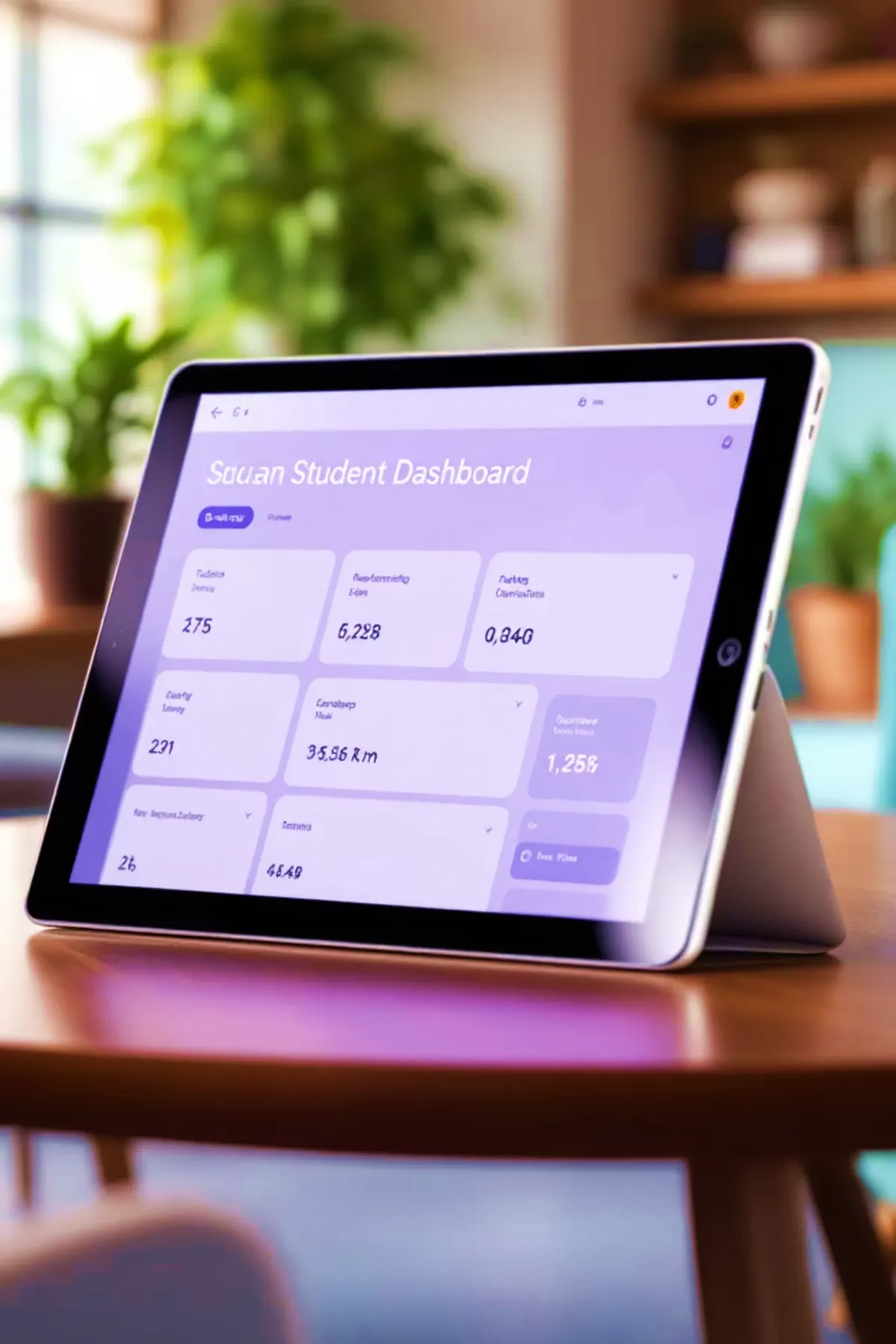
Education ERP overview

Built around how schools actually work, not around a generic template.

The system is shaped for owners, principals, administrators, accountants, teachers, transport teams, and parents. It keeps common school operations connected and helps every role work from a cleaner, more accountable operating view.

Common capabilities

The familiar school workflows leaders expect, organized into one calm operating system.

Dhicampus SMES brings academic, administrative, finance, staff, communication, and reporting workflows into a structured ERP foundation for schools that want dependable daily operations.

Product areas

The modules clients expect from a modern School ERP, presented as business capabilities.

These areas give school leaders confidence about coverage while keeping the conversation focused on business value, implementation scope, and how each team will use the product.

SMES module map

A modular ERP view built around how schools actually run.

The platform is organized as a modular ERP so institutions can start with core operations and extend into finance, HR, engagement, transport, analytics, and integrations as they grow.

Operating layers

A school-wide view for leadership, administration, finance, academics, and operations.

The overview stays clear at the capability level. During the walkthrough, each role, approval path, report, and institution-specific decision can be mapped against the school's real operating model.

Before schools subscribe

The practical questions decision-makers ask before choosing a School ERP.

School owners, principals, accountants, and administrators usually compare ERP products on daily usability, fee accuracy, parent communication, reports, security, migration, training, support, and long-term scalability. Dhicampus addresses those concerns at the planning stage instead of treating them as afterthoughts.

Feature depth

More product coverage for schools that want clarity before a demo.

The list below keeps the explanation understandable while showing that the ERP is not limited to one department. It covers front office, academics, accounts, staff, parents, transport, reports, documents, and access governance.

Implementation planning

A practical rollout path for schools moving from registers, spreadsheets, or disconnected tools.

Controls and visibility

Designed for discipline across users, branches, and reports.

School ERP FAQ

Answers to common questions before booking a walkthrough.

These answers help schools evaluate fit before discussing exact screens, pricing, data migration, and rollout scope.

Expected outcomes

The value school leaders should feel after implementation.

Guided product walkthrough

See how the ERP can fit your school's structure, teams, and daily decisions.

The walkthrough is designed for school owners, principals, administrators, and accounts teams who want to understand module coverage, user access, reports, and implementation planning in practical terms.

Access, approvals, and user responsibilities are reviewed according to your team structure.

Reports and dashboards are explained by leadership, accounts, academic, and branch context.

Implementation scope is mapped after understanding your admission, fee, academic, and communication workflows.

Delivery partnership

Plan, build, deploy, and support business software with one reliable team.

From ERP products to custom portals, dashboards, integrations, and cloud-ready websites, Dhicampus helps organizations move from scattered manual work to secure digital operations.

Start a Project Discussion